How to organise templates
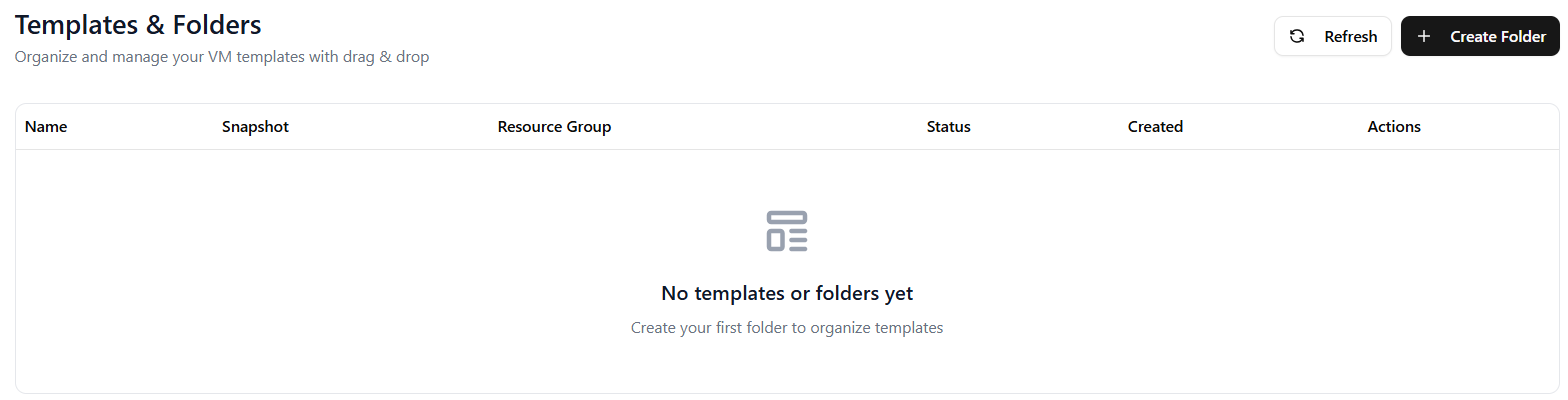
Navigate to Templates and click Create Folder.
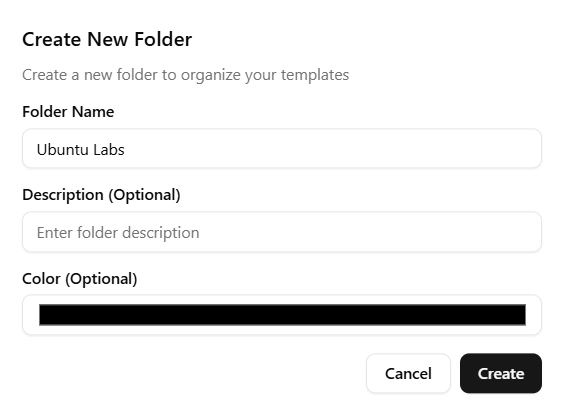
Assign a meaningful name to your folder. Optionally, you can also pick a colour and specify a description. Then, click Create.
Click and drag a template into its respective folder.

Your template should now reside in its intended folder.