Automatic VM Management
Automatic VM management is designed to help you reduce costs by automatically stopping or deleting unused VMs.
Navigate to Settings.
Choose whether to stop or delete your virtual machines, then specify the period of inactivity.
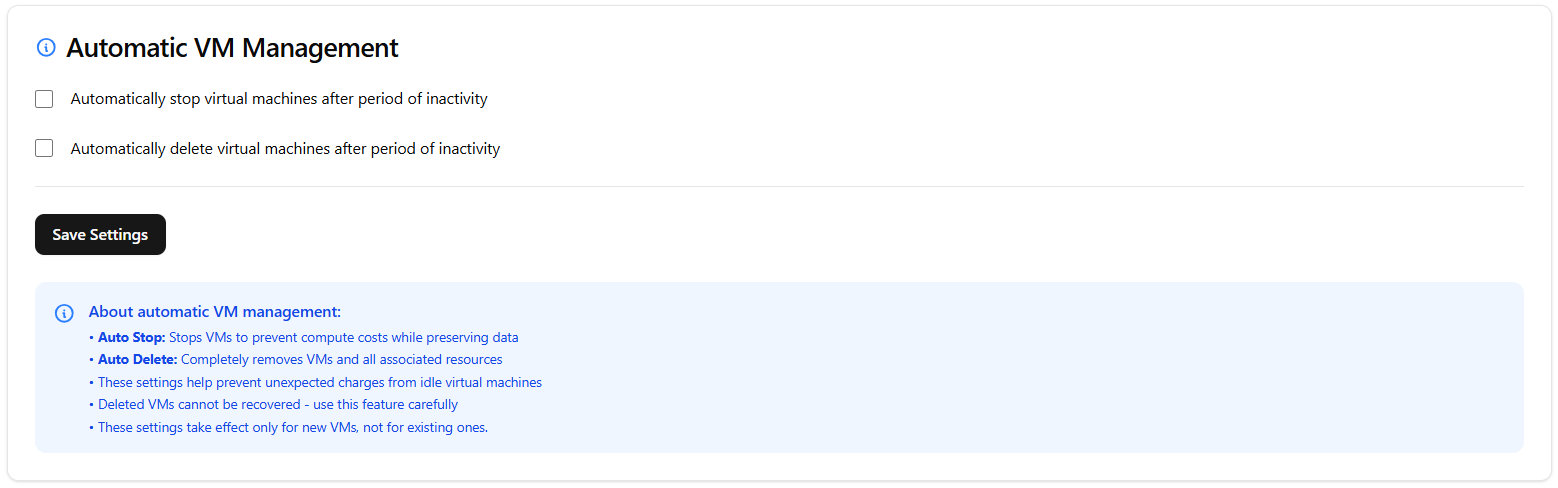
Click Save Settings.
Danger
Deleted VMs cannot be recovered - use this feature carefully.