Configure the cloud settings
To configure your cloud settings and integrate Labiteers with Microsoft Azure:
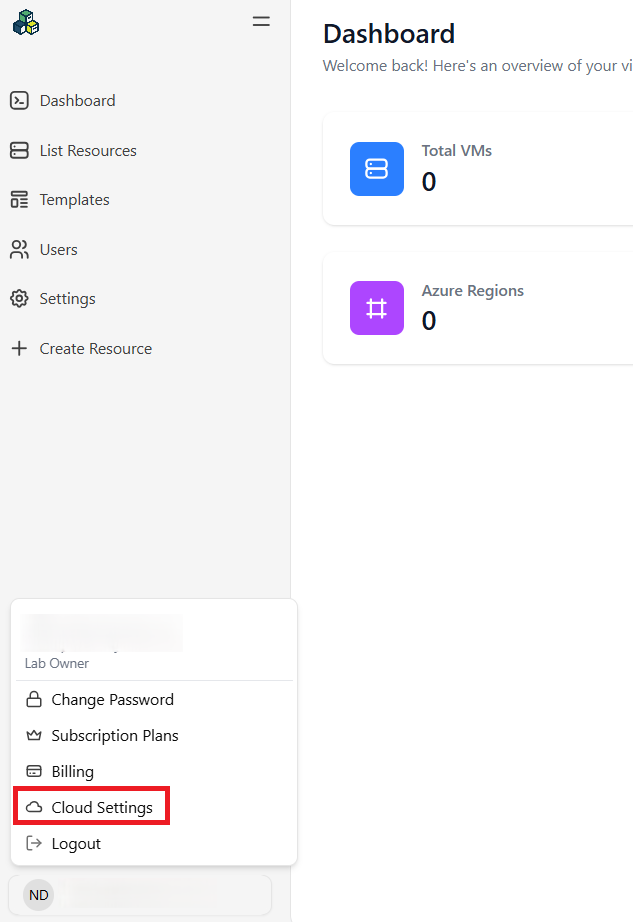
Click your name in the bottom-left corner and select Cloud Settings.
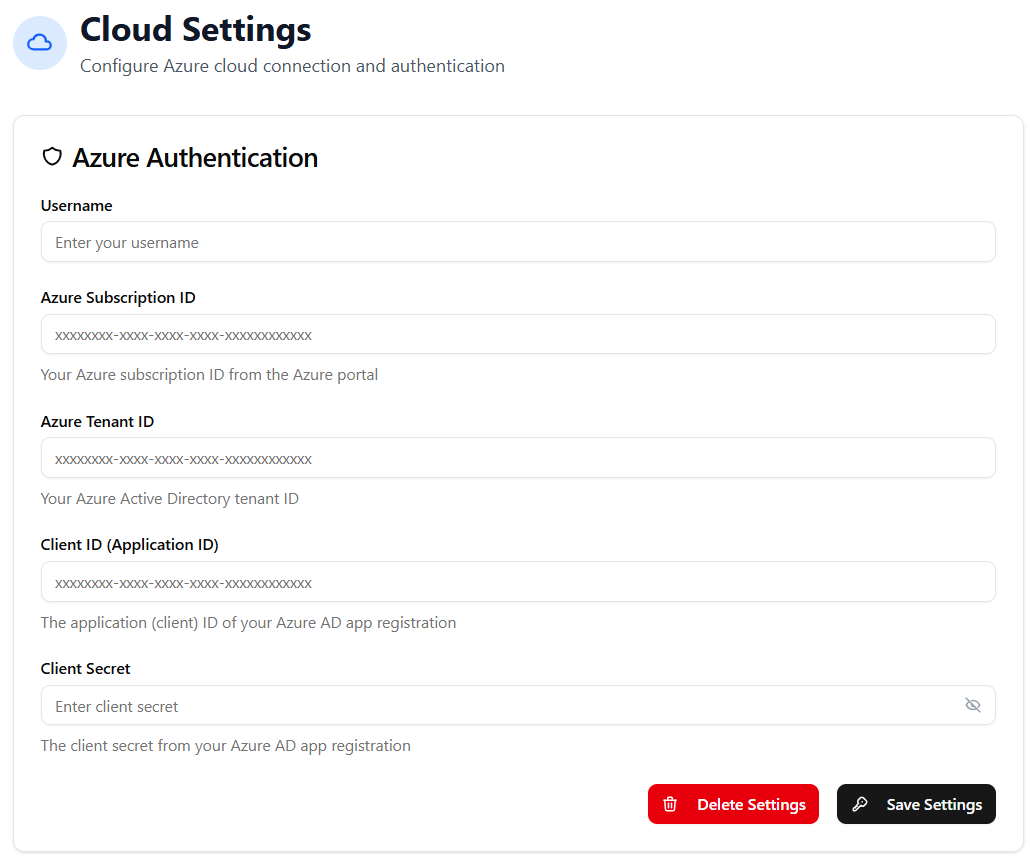
Fill in the required fields and select Save Settings.
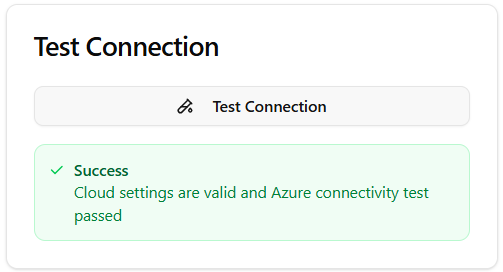
Verify your connection with Microsoft Azure by selecting Test Connection.